
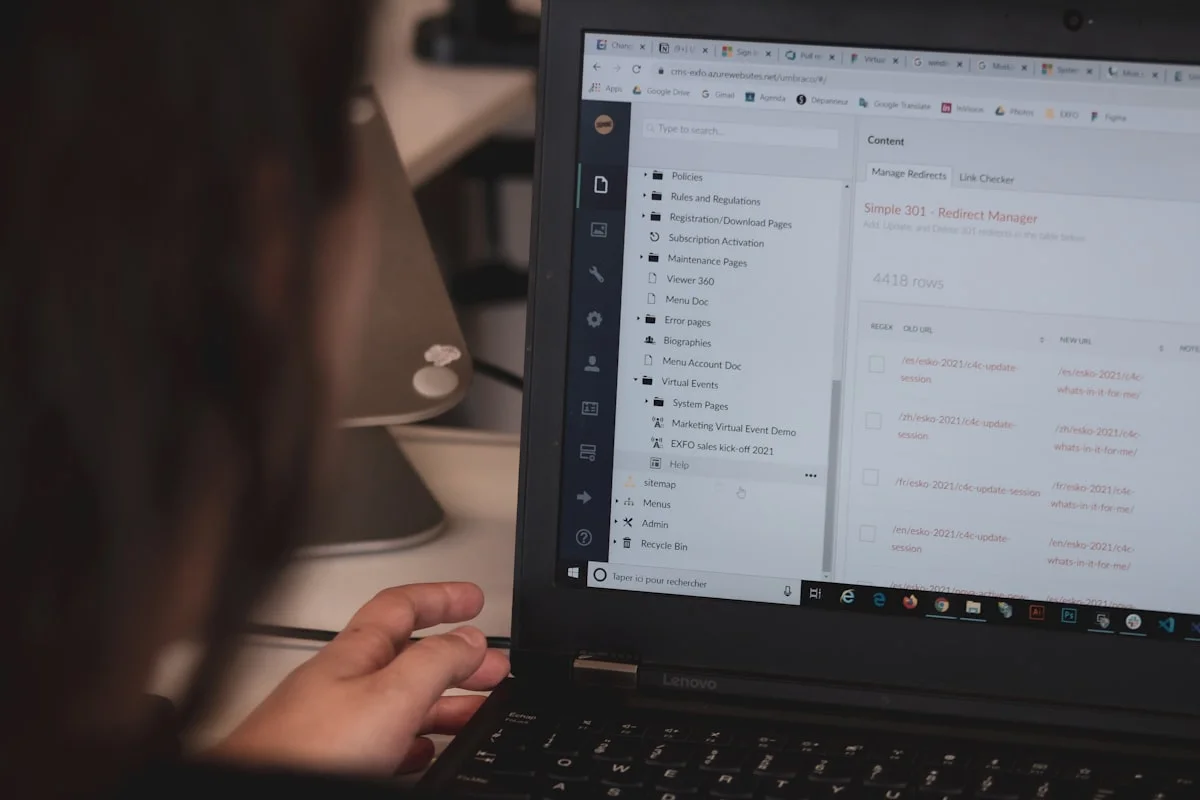
Redesigning a WordPress site doesn't mean starting from scratch
A WordPress redesign means bringing an existing site up to standard: cleaning it up, rebuilding the design on the same CMS, or migrating to another technology. WordPress powers 40.2% of all websites and 58.8% of those with a known CMS, according to W3Techs as of September 21, 2026. In other words, a lot of aging sites are affected.
Before asking for a quote, you need to know which kind of redesign your site actually needs. The three options differ in price and in risk.
The 5 warning signs that call for a WordPress redesign
1. Your PHP version is no longer maintained
WordPress recommends PHP 8.3 or higher and at least MariaDB 10.11 or MySQL 8.0, according to its official requirements. On the PHP side, versions 7.4, 8.0 and 8.1 no longer receive any fixes, and security support for PHP 8.2 ends on December 31, 2026 (php.net).
To check: in the WordPress admin, open Tools → Site Health. If your host blocks a version upgrade because your theme or plugins can't keep up, the problem is structural.
2. Your plugins are numerous, old or abandoned
Plugins are the main entry point for attacks. The Patchstack 2026 report counts 11,334 new vulnerabilities in 2025, 42% more than in 2024. Of that total, 91% affected plugins, 9% affected themes and only 6 affected WordPress core.
Two more figures from the same report carry weight: 46% of vulnerabilities had no patch at the time they were disclosed, and the median time to first exploitation of the most heavily attacked flaws is five hours. An abandoned plugin is therefore more than an inconvenience.
3. The site is slow despite decent hosting
Google evaluates three performance metrics. To be rated good, a page needs an LCP of 2.5 seconds or less, an INP of 200 milliseconds or less and a CLS of 0.1 or less, measured at the 75th percentile of visits (web.dev).
A WordPress site built with a page builder and many plugins can struggle to reach them. Test your home page on PageSpeed Insights: if all three metrics are in the red on mobile, optimization alone probably won't be enough.
4. The theme or page builder is locked in
A theme abandoned by its publisher, or a page builder whose code is tangled up with your content, makes every change expensive. If changing a button means calling a developer, or if you can't migrate your content without retyping it, the technical debt has passed a reasonable threshold.
5. The design no longer reflects your business
A site that is several years old, isn't built for mobile or no longer highlights your current services costs you inquiries. This sign alone doesn't justify changing CMS: sometimes it only justifies a new theme on WordPress.
Our article on the 7 signs it's time to redesign your website covers this list beyond WordPress.
Three options, not just one
The real choice is between three levels of intervention.
| Option | When to choose it | What it involves | Main risk |
|---|---|---|---|
| 1. Clean up and optimize | The site works, but it is slow or cluttered | Remove unneeded plugins, update PHP and plugins, optimize images, add caching | Doesn't fix a locked-in theme or an outdated design |
| 2. Rebuild on WordPress | The CMS is fine, the design and structure aren't | New theme, new site structure, content carried over | Starting over with the same maintenance constraints |
| 3. Migrate to another technology | Security, performance or scalability have become obstacles | New site on a modern foundation, content migrated, redirects | Longer project, SEO migration needs care |
Option 1 is the cheapest and fastest, but it only makes sense if the foundation is sound. If your theme and plugins block updates, it only postpones the problem by a few months.
To compare WordPress and a custom-built site on the merits, read WordPress or custom: which to choose in 2026 and modern CMSs in 2026.
How much does a WordPress redesign cost in 2026
Published budgets vary widely depending on the type of provider. No range is universal, but here are sourced benchmarks:
- Specialist WordPress agency: the agency L'Atelier Conception Web quotes €8,000 to €12,000 for a basic redesign, from €20,000 for a corporate site and from €40,000 for a complex one, over 2 to 6 months (L'Atelier Conception Web).
- General B2B agency: Edikka lists €5,000 to €9,999 excl. VAT for a targeted redesign over 4 to 7 weeks, and €10,000 to €18,999 excl. VAT for a full redesign over 8 to 12 weeks (Edikka, prices updated August 20, 2026).
- Showcase website for a small business: a showcase site most often falls between €1,500 and €6,000, as we detail in our guide to website costs.
At NexIT, a showcase website starts at €499 and the subscription plan at €45 per month. A migration from WordPress depends on how much content has to be carried over and is quoted individually.
What drives the bill up
- The number of pages to migrate and redesign.
- The content: carried over as is, rewritten or translated.
- Licenses for plugins and page builders, renewed every year.
- SEO migration: in Edikka's sample budget for an €18,000 redesign, it comes to about €1,600, or 9% of the total.
- Specific features: booking, customer portal, online store.
Also plan for hosting and maintenance over time: for a standard showcase site they typically run between €30 and €80 per month, as our guide to website costs and our guide to website maintenance explain.
Protecting your search rankings during the redesign
A poorly prepared redesign loses traffic. The steps Google recommends for a URL change come down to a few points (Google Search Central):
- List every old URL, then map each one to its equivalent on the new site.
- Set up permanent server-side redirects (301 or 308), avoiding chains longer than 3 to 5 hops.
- Submit a change of address in Search Console if the domain changes.
- Keep the redirects in place for as long as possible, at least one year.
On the human side (content, goals, follow-up after launch), our article on mistakes to avoid during a redesign complements this technical list.
Should you stay on WordPress?
WordPress remains a good choice when you need a rich ecosystem, your team already knows how to use it and the site is maintained properly. It becomes a poor choice when maintenance is neglected: Patchstack's figures show that the risk concentrates on plugins nobody keeps up.
Ask yourself three questions:
- Who updates the site every month, and who responds if a plugin breaks?
- Is every one of your plugins still maintained by its publisher?
- Does the site reach the performance thresholds on mobile without acrobatics?
Three "no" or "I don't know" answers mean option 3 is worth pricing out.
Frequently asked questions
How long does a WordPress redesign take?
From a few days for a cleanup to several weeks for a full redesign. The agencies cited above quote 4 to 12 weeks for a targeted or full redesign, and up to 6 months for complex projects. At NexIT, our website projects are delivered in 2 to 8 weeks.
Will I lose my search rankings?
Not if the URLs are mapped and redirected with 301s. Google states that permanent redirects are the recommended way to transfer signals to the new addresses. The risk comes from a forgotten redirect or from removing them too early.
Can I keep my current content?
Yes, in the vast majority of cases. Text and images can be exported from WordPress, but layouts built with a page builder often have to be rebuilt. Ask the provider what will be carried over as is and what will be redone.
Do I have to leave WordPress?
No. If your site is healthy, a cleanup or a new theme is enough. Migrating to another technology is justified when security, performance or maintenance become obstacles that WordPress doesn't remove.
Conclusion: choose the level of intervention before the provider
A WordPress redesign starts with a diagnosis: PHP version, state of the plugins, performance metrics, how locked-in the theme is. That diagnosis determines whether you need a cleanup, a new theme or a migration. Comparing quotes without it means comparing services that have nothing in common.
✅ Check the PHP version in Site Health ✅ List the plugins that are abandoned or not updated ✅ Measure mobile performance on PageSpeed Insights ✅ Have the URLs mapped before anything goes live ✅ Ask for the redirects to be kept for at least a year
A WordPress site that needs bringing up to date?
Describe your current site and we'll reply within 24 hours with a clear recommendation between cleanup, redesign and migration, along with a free quote.
Sources
- WordPress — Usage statistics and market share — W3Techs, September 21, 2026
- State of WordPress Security in 2026 — Patchstack, February 25, 2026
- Requirements — WordPress.org
- Supported Versions — PHP.net
- Web Vitals — web.dev (Google)
- Site moves with URL changes — Google Search Central
- Refonte WordPress : les signaux d'alerte — L'Atelier Conception Web
- Prix refonte site internet 2026 — Edikka